Chachabet Registration Process in Netherlands
Registering on Chachabet gives you full access to a wide range of casino games and sports betting markets available to players in the Netherlands. You can create a new account using several methods, including registration by phone number, by email, via social media, or in one click. Once your account is set up, you can deposit and withdraw funds, and start playing with real money straight away. New users in the Netherlands are eligible for a welcome bonus of up to €10,000 + 800 Free Spins after completing the sign up process.
All Available Registration Options on Chachabet
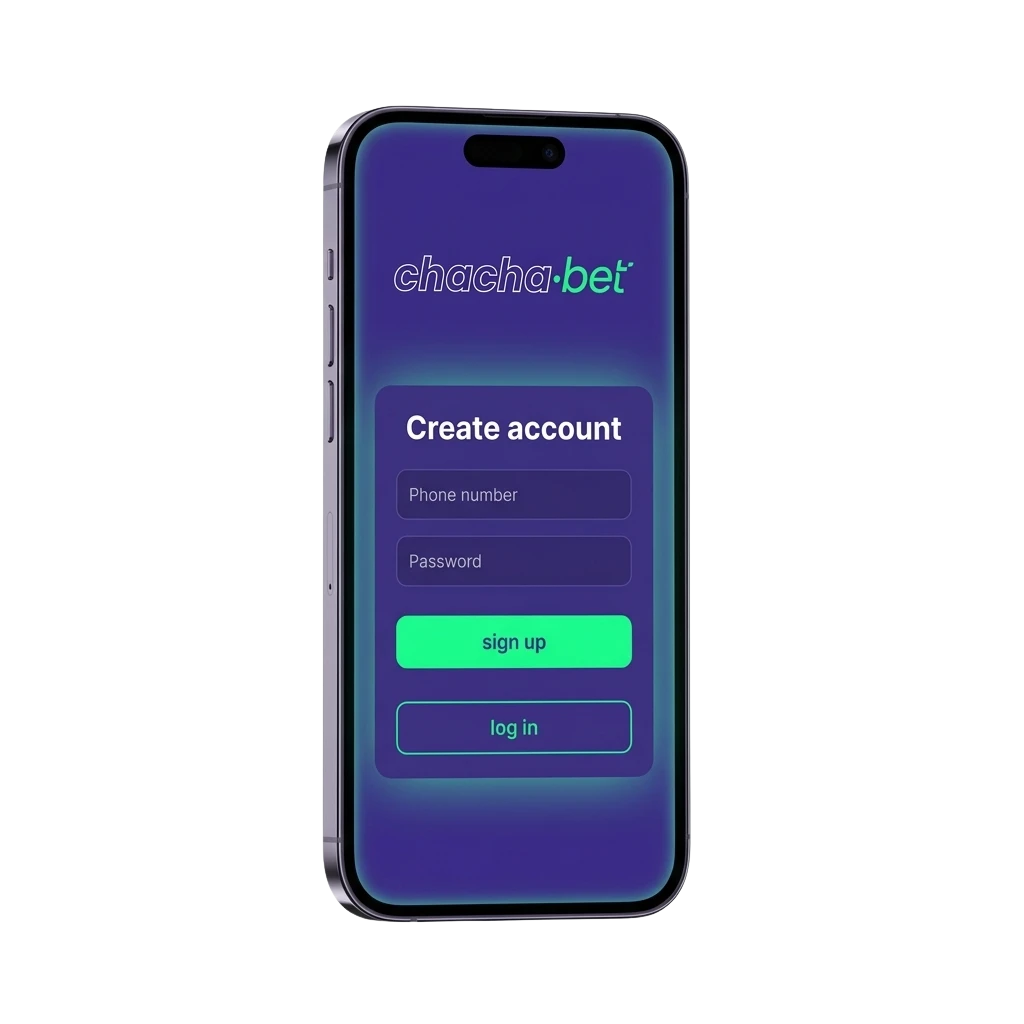
Chachabet offers multiple ways to create an account, so you can choose the method that suits you best. The available registration options are:
- By Phone Number
- By Email
- Via Social Media
- One-Click Registration
Registration by Phone Number
Registering by phone number is a fast option that links your account directly to your mobile device. It requires a valid phone number and a confirmation code sent via SMS.
- Open the Chachabet website and click the "Register" button.
- Select the "Phone Number" registration method.
- Enter your phone number and choose your country code for the Netherlands.
- Enter the SMS verification code you receive.
- Set a password and confirm your personal details to complete the process.
Registration by Email
Email registration gives you a personal account tied to your email address and is suitable for users who prefer a traditional sign up process. You will need a valid email address and a secure password.
- Click the "Register" button on the Chachabet site.
- Select the "Email" registration method.
- Enter your email address and create a password.
- Fill in the required personal details, including your name and date of birth.
- Confirm your email address via the verification link sent to your inbox.
Registration via Social Media
Social media registration allows you to create a new account using an existing social media profile, reducing the number of steps required. This method links your Chachabet account to your chosen social platform.
- Click the "Register" button on the site.
- Select the social media platform you want to use (for example, Google or another supported platform).
- Authorise access when prompted by the social media platform.
- Review and confirm your account details on Chachabet.
- Complete any additional required fields to finalise your registration.
One-Click Registration
One-click registration is the quickest way to get started. It creates an account instantly, and you can add full account details later.
- Click the "Register" button on the Chachabet website.
- Select the one-click option.
- Choose your preferred currency.
- Click "Register" to confirm and your account will be created immediately.
- Save your login credentials displayed on screen or sent to you.
Register via the Chachabet Mobile App
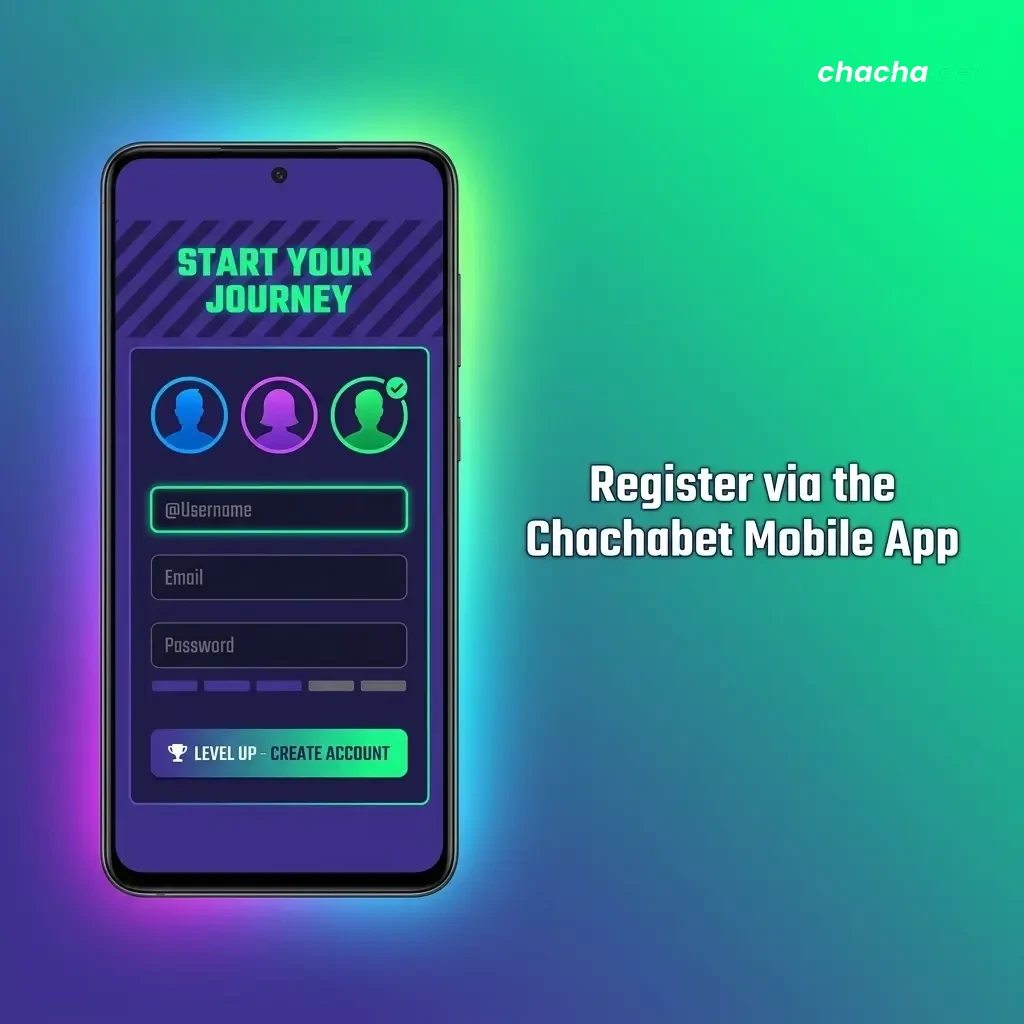
Registering through the Chachabet mobile app follows the same core steps as the desktop site, but gives you the convenience of completing the process directly from your smartphone. The app supports the same registration methods available on the full site.
- Download and install: Go to the Chachabet website on your mobile browser, download the app for your device (Android or iOS), and install it following the on-screen instructions.
- Open the app: Launch the Chachabet app and tap the “Register” button on the home screen.
- Choose your method: Select your preferred registration method, such as by phone number, by email, via social media, or one-click.
- Enter your details: Fill in the required fields for your chosen method and confirm your information.
- Complete registration: Follow any final verification steps, such as confirming your email or SMS code, to activate your new account.
Account Registration Requirements
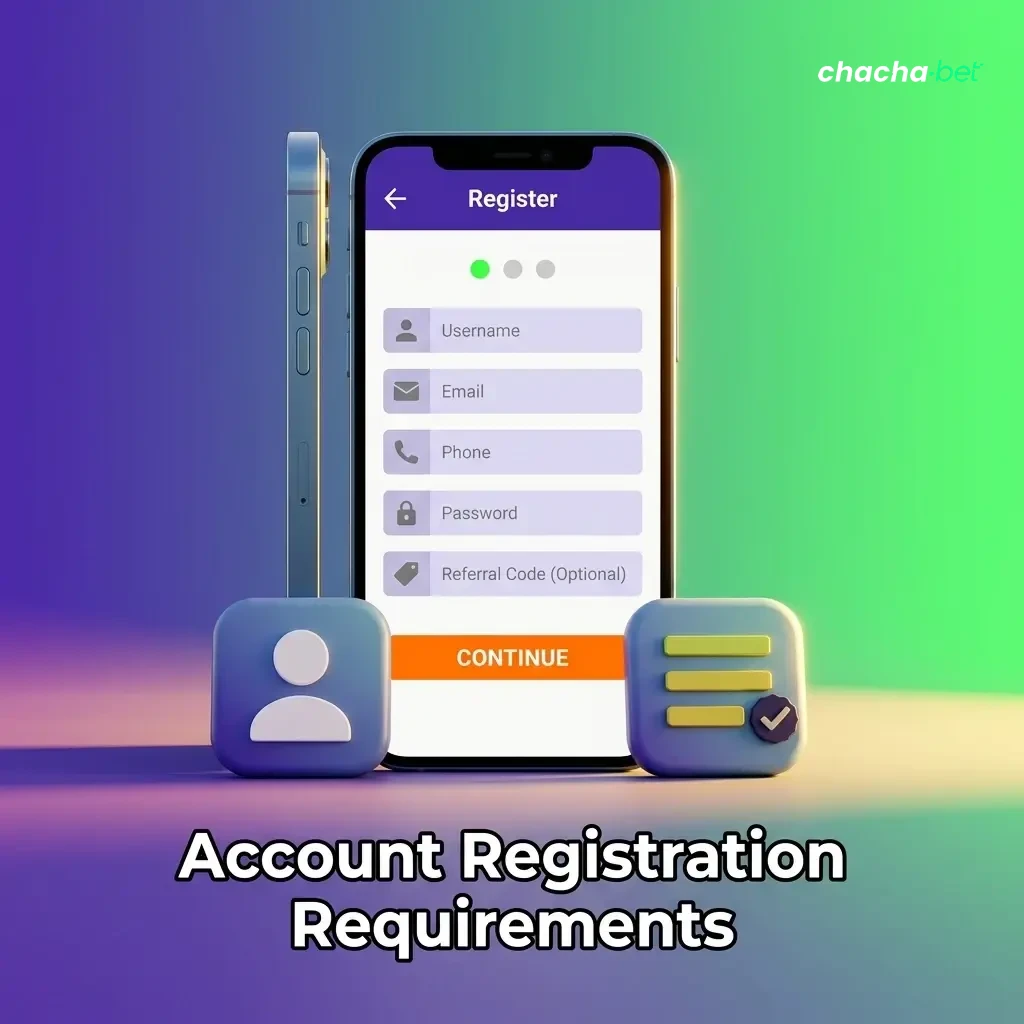
To create an account on Chachabet, you must meet certain eligibility requirements and comply with applicable rules. All users registering from the Netherlands must be of legal gambling age and follow the platform’s terms and conditions. Only one personal account is permitted per user, and providing accurate information during the sign up process is mandatory. Failure to meet these requirements may result in account suspension or the forfeiture of any bonuses.
- You must be at least 18 years of age to register and use the platform.
- You must be located in the Netherlands and comply with local gambling laws and regulations.
- You must provide accurate personal details, including your full name, date of birth, and address.
- Only one account per person is allowed. Duplicate accounts will be closed.
- You must not be registered on any self-exclusion or gambling restriction lists active in the Netherlands.
Login to Your Chachabet Account
Once you have completed the registration process, signing in to your Chachabet account is straightforward. Follow the steps below to access your account.
- Click the "Log in" button on this page.
- Enter the credentials linked to your registration method: your email address and password, your phone number and password, or use your connected social media account.
- If two-factor authentication is enabled on your account, enter the verification code when prompted.
- Once verified, you will be signed in and directed to your account dashboard.
Account Verification Process
Account verification is a required step that ensures the security of your personal account and complies with anti-money laundering regulations applicable in the Netherlands. Completing the verification process allows you to make withdrawals, access higher deposit limits, and use all platform features without restrictions. You will need to submit supporting documents, and the review is typically completed promptly.
- Identity verification: Submit a valid government-issued photo ID, such as a passport or national identity card, to confirm your identity.
- Address verification: Provide a recent utility bill, bank statement, or official document that shows your name and residential address in the Netherlands.
- Payment method verification: Submit proof of the payment method used for deposits, such as a bank statement or a screenshot of your e-wallet account.
- Review: The Chachabet verification team reviews your submitted documents. You may be contacted if additional information is required.
- Confirmation: Once approved, your account is fully verified and all withdrawal and deposit functions are activated.
Welcome Bonuses for New Users from Netherlands
New users in the Netherlands can claim a welcome bonus package of up to €10,000 + 800 Free Spins after completing the registration and making qualifying deposits. The welcome offer includes separate bonuses for casino play and sports betting, each with its own terms and activation steps.
Casino Bonus
The casino welcome bonus is designed for new users who want to explore the slots and table games section. It is activated by making a qualifying deposit after completing the sign up process.
| Detail | Information |
|---|---|
| Bonus size | Up to €10,000 + 800 Free Spins |
| How to claim | Register, make a qualifying deposit, and opt in to the bonus offer |
| Minimum deposit | Check current terms on the bonus page |
| Wagering requirements | Apply to bonus funds and free spin winnings; see full terms for details |
Sports Betting Bonus
The sports betting welcome bonus is available to new users who wish to place bets on football, tennis, basketball, and other sports markets. It is credited to your account after registration and a qualifying deposit.
| Detail | Information |
|---|---|
| Bonus size | Part of the overall welcome package up to €10,000 |
| How to claim | Create a new account, deposit, and activate the sports bonus via your account |
| Minimum deposit | Check current terms on the bonus page |
| Wagering requirements | Apply to credited bonus funds; full conditions are listed in the promotions section |
Account Overview
Your personal account on Chachabet is the central hub for managing all your activity on the platform. Once signed in, you have access to the following features:
- Deposit funds: Add money to your account using a range of payment methods available in the Netherlands, including bank transfers, cards, and e-wallets.
- Withdraw funds: Request withdrawals to your preferred payment method directly from your account dashboard, subject to verification status.
- Bonus management: View active bonuses, check wagering progress, and activate available welcome or promotional offers tied to your account.
- Transaction history: Review a full record of all deposits, withdrawals, and betting activity linked to your personal account.
- Account settings: Update your personal details, change your password, and manage your contact preferences and notification settings.
- Responsible gambling tools: Set deposit limits, session time limits, or activate self-exclusion options to manage your gambling activity.
- Document upload: Submit identity and address documents required for the verification process directly through your account area.
- Support access: Contact the customer support team via live chat or email from within your account for assistance with any issue.
Possible Problems and Their Solutions When Registering on Chachabet
Some users encounter issues during the registration or sign in process. Below are the most common problems and how to resolve them.
| Problem | Solution |
|---|---|
| SMS verification code not received | Check that your phone number is entered correctly with the Netherlands country code (+31). Request a new code after a short wait or try an alternative registration method. |
| Email confirmation link not working | Check your spam or junk folder. If the link has expired, request a new confirmation email from the sign in page. |
| Account already exists error | This means an account with your details or device is already registered. Use the password recovery option or contact support if you cannot recall your credentials. |
| Unable to complete one-click registration | Clear your browser cache or try a different browser. If the problem continues, switch to email or phone number registration. |
| Personal details not accepted | Make sure all fields are filled in correctly, including your full legal name and a valid Netherlands address. Check that your date of birth is entered in the correct format. |
Steps to Delete a Personal Account
You may want to close your account permanently for personal reasons or as part of a responsible gambling decision. Before proceeding, make sure any remaining balance is withdrawn, as this may not be possible after deletion.
- Sign in to your personal account and go to the account settings section.
- Locate the account closure or deletion option within the settings menu and follow the on-screen instructions to submit your request.
- If the option is not available directly in settings, contact the customer support team via live chat or email, provide your account details, and request permanent account deletion.
- Once your request is confirmed, your account will be closed and your personal data will be handled in accordance with applicable Netherlands data protection regulations.
FAQ
Can I register on Chachabet if I am based in the Netherlands?
Yes. Registration is available to users in the Netherlands who are 18 years of age or older and comply with local gambling regulations.
How long does the registration process take?
The sign up process typically takes a few minutes. One-click registration is the fastest option. Full verification may take additional time depending on the documents submitted.
What should I do if I forget my password?
Click the "Forgot password" link on the sign in page. Enter your registered email address or phone number, and follow the instructions sent to you to reset your password.
Is it possible to have more than one account on Chachabet?
No. Only one personal account is allowed per user. Creating duplicate accounts is a violation of the platform’s terms and conditions and may result in all accounts being closed.
Do I need to verify my account before making a deposit?
You can generally make an initial deposit without completing full verification. However, verification is required before withdrawals are processed, so it is recommended to complete this step early.
Updated: